
Known Issues and Patch History
What the developer has confirmed fixed, what players still report, and how to tell the difference before you spend an evening troubleshooting.
What the developer has confirmed fixed, what players still report, and how to tell the difference before you spend an evening troubleshooting.
VERSION PROBLEMS
Separate the five categories addressed in the September 5 hotfix from current community reports about invitations, challenges and story progress.
The September 5 hotfix addressed crashes without listing them, so a crash today is not automatically a known one. Here is how to tell.
Check Prologue Challenge 6 reports, the hotfix’s limited wording, and the character or chapter condition before replaying a stalled objective.
Friends can appear in a party and still fail to reach the same match. Separate the advertised feature, the current reports and the limited workaround.
A source-based server and launch issue checklist for separating outages from crossplay, update, entitlement, queue, and crash problems.
Every published fix, with dates, plus a clear line between what the developer confirmed repaired and what is still open.
“The game does not work” can describe a locked purchase, a failure before the menu, an online queue, a mid-match crash or a challenge counter that does not advance. Start with the last step that worked. That immediately narrows which record is relevant.
If the game has not unlocked for your edition, use the release-date guide. If it opens but fails during play, compare the exact symptom with the patch record. If the issue is a reward or counter, check the selected challenge and loadout as well as the installed version. These are separate diagnostic branches, not one universal fix list.
| Observed symptom | First useful check |
|---|---|
| Library says unavailable | Edition entitlement and official unlock window. |
| Failure before reaching the menu | Exact error, platform and current installation. |
| Offline option reaches a login queue | Installed update and the offline-queue hotfix. |
| Challenge counter stays unchanged | Exact objective, eligibility and game build. |
| Michael cannot use the get-up prompt | Whether the prompt is missing and whether the hotfix is installed. |
| Series S rendering looks wrong | Display setup, selected mode and the specific Performance Mode fix. |
Early Access Hotfix #1 was published on September 5. It addresses crashes, some challenge tracking, the offline queue interaction, a missing Michael get-up prompt and Series S rendering in Performance Mode on certain displays. The patch history page keeps that list with its original source.
The scope matters. A crash-fix entry does not identify every cause of a crash, and a fix for some challenges does not prove that every challenge or past completion now behaves correctly. Likewise, a display-specific rendering correction should not be rewritten as a blanket performance improvement for all Xbox hardware.
Use a patch note to identify a relevant test: install the available update, reproduce the particular symptom and record whether it remains. Do not treat the presence of the word “fixed” as evidence that a player describing a remaining problem must be mistaken.
Record the exact message, the point of failure and whether it repeats. A crash before the menu, one when entering a specific mode and one after a long session may require different investigation. The most useful first report describes the conditions, not a theory about which component is broken.
On PC, keep the operating-system version, CPU, GPU, driver version and game storefront with the report. Compare the official requirements, including the installation drive type. On console, record the model and any display-specific symptom. Avoid sharing serial numbers or other account identifiers in a public post.
Use supported update and installation-check options offered by the platform. Change one thing at a time and repeat the same test. A bundle of simultaneous changes makes it difficult to identify a cause even if the game starts working afterward.
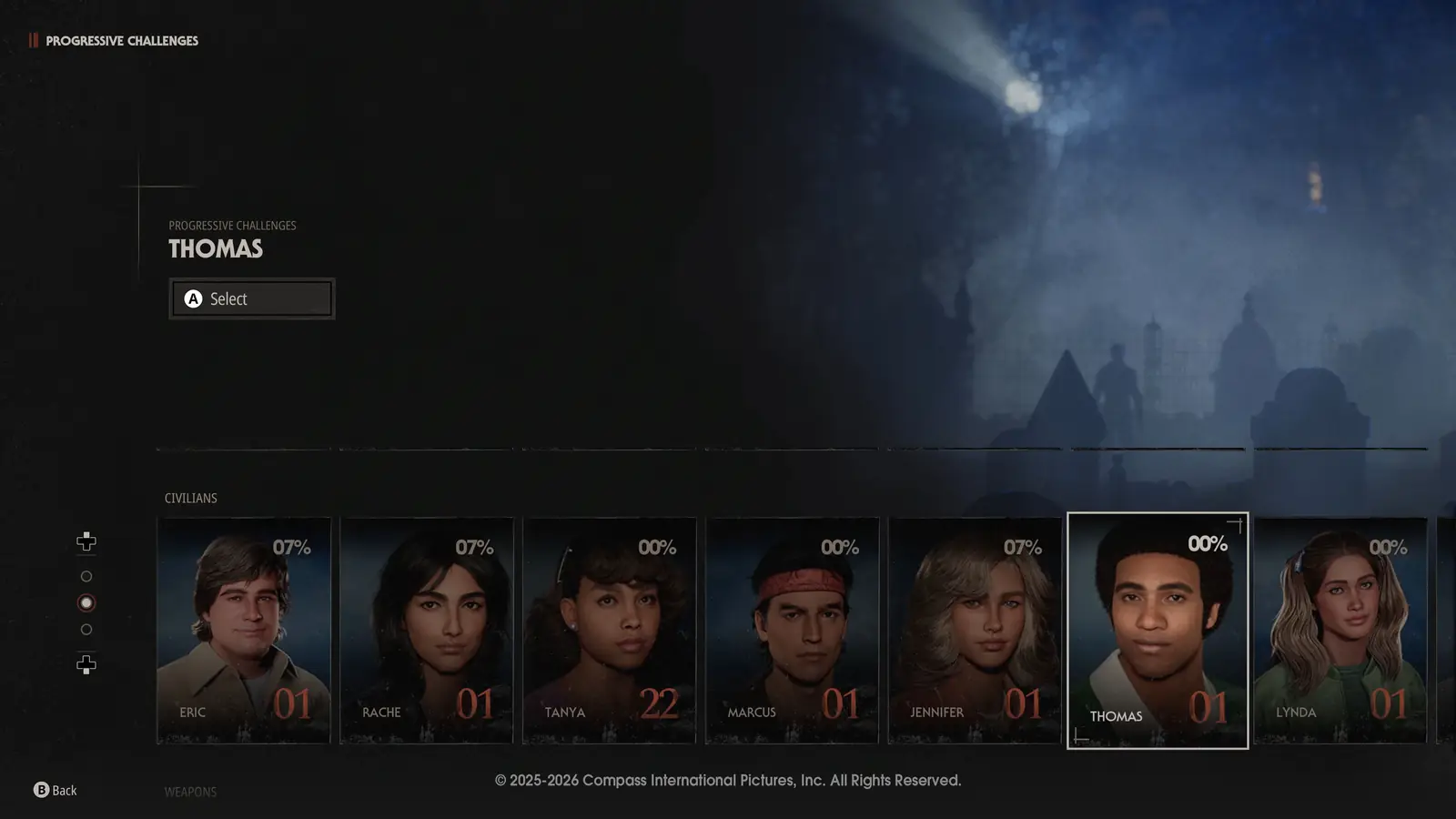
Read the entire current objective, including any character, skin, weapon or chapter condition. Progressive challenges are tied to specific selections and occur in sequence, whereas Passive challenges are organized by role. A similar action can be irrelevant to the objective currently being tracked.
Then compare the counter before and after a clearly eligible attempt. If the requirement appears satisfied and the counter remains unchanged on the current build, preserve the evidence for support. Do not repeatedly reset progression to test an assumption.
The progression guide explains the categories. It does not invent the solution to a numbered chapter challenge whose exact text has not been obtained. The patch record separately explains the developer’s acknowledgement of some tracking failures.
For a login or matchmaking problem, note whether you were trying to enter offline play, start a private match, join an invitation or queue for online matchmaking. Also record where the waiting screen appears. That distinction matters because the first hotfix specifically mentions offline play being affected by login queuing.
Do not diagnose an outage from one failed attempt, and do not claim the servers are healthy simply because the official website opens. A website response and a game session exercise different services. This page is not a live server-status monitor.
If a cross-platform invitation is involved, include the platforms and game versions on both ends without posting private account credentials. Unlinking accounts or changing ownership settings is not a justified first step based only on a generic connection error.
The Series S fix names Performance Mode and certain displays. A useful remaining report should therefore include the console model, selected mode, display resolution and what “incorrectly” looks like: the image is distorted, something is missing, or another visible defect occurs.
A low frame rate and a malformed image are different observations. If you are comparing settings, keep the scene and resolution consistent and record one change at a time. Do not generalize a Series S note to Series X or PC without evidence.
For PC performance, the published requirements use 30-fps graphics targets. Meeting a named GPU category is not a guarantee of 60 fps at your preferred settings. The requirements article explains that limitation before you assume a lower result is the same rendering bug.
Deleting saves, disabling security software, bypassing anti-cheat, installing an unofficial executable or resetting an operating system can create new problems and destroy diagnostic evidence. None is supported as a universal Halloween fix by the patch record cited here.
If support asks you to collect files or change a setting, use the official channel and understand the requested scope. Keep a backup before any operation that could remove progress, and never post authentication tokens, recovery codes or passwords in a public bug report.
A good troubleshooting sequence narrows the issue while preserving the ability to undo a change. Stop when the next step would be destructive or unrelated to the observed symptom, and ask official support for the specific procedure.
Include the exact build, platform, mode, expected result, actual result and a short reproduction sequence. For a challenge, add the displayed objective and selected character or equipment. For a display issue, add the relevant display conditions.
State whether the problem existed before the update, persisted afterward or first appeared afterward. Those observations are useful, but timing alone does not prove the update caused a new bug. Describe what you saw without replacing it with an untested explanation.
Use the developer’s Support and Socials page for the official entry point. The contact page on this wiki is for correcting the wiki, not for granting game entitlements or accessing your account.
No. It separates the official fix record from safe diagnostic steps. The developer did not publish one universal cause or cure for every crash.
Not as a speculative first step. Preserve the counter, objective and build evidence, then use the official support route.
The first hotfix says a larger patch is being worked on, but gives no release date. An announced plan is not a scheduled deployment.